Skip to content

Everything Quicklog Baby does.

The app is deliberately lean. Here's what's in it — and why.

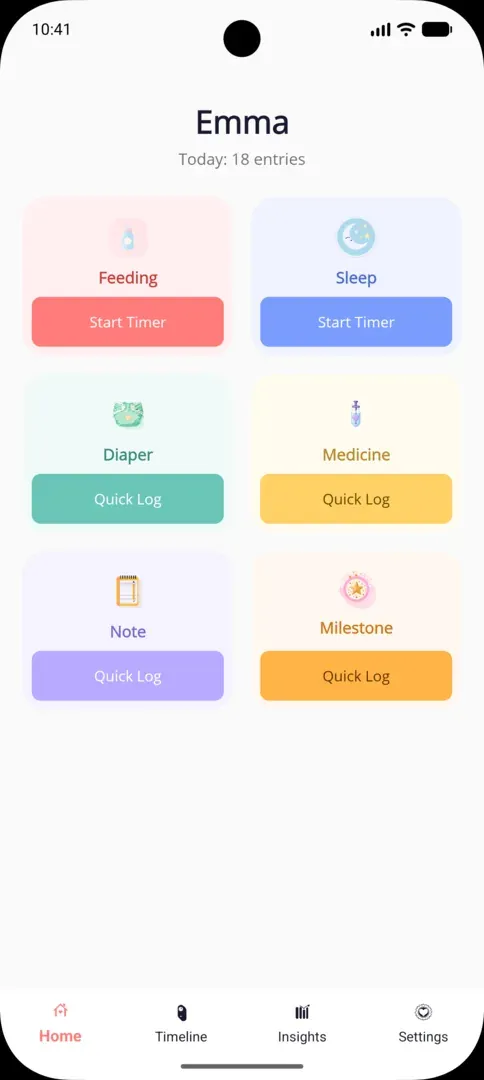
Home screen with six large tiles

Tracking

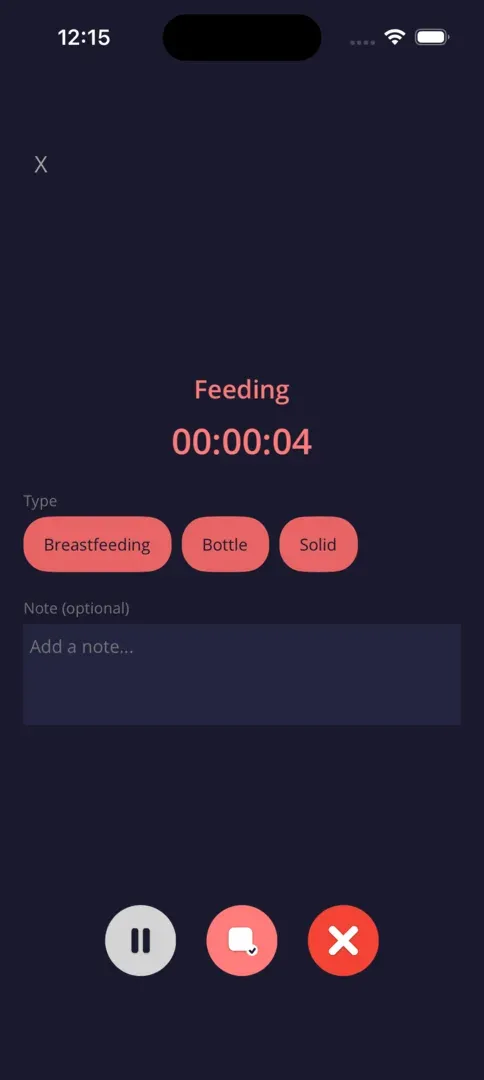
Six activity types: feeding, sleep, diaper, medication, note, and milestones. Each has its own tile on the home screen, showing the time since the last entry. A tap opens the detail dialog with the current time. Feeding and sleep can run as timers; details like feeding amount or medication dosage can be added in the same dialog. Entries can be edited or deleted directly from the timeline within five minutes.
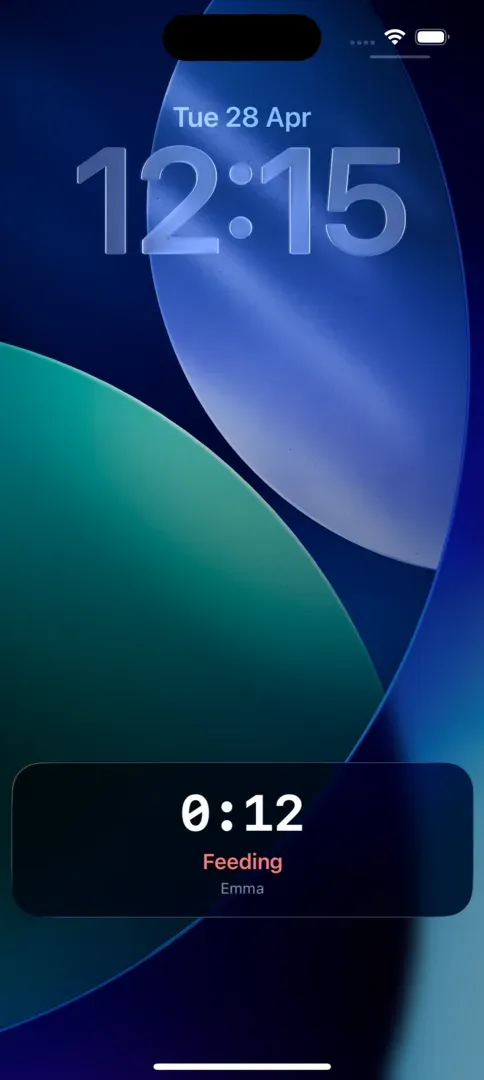
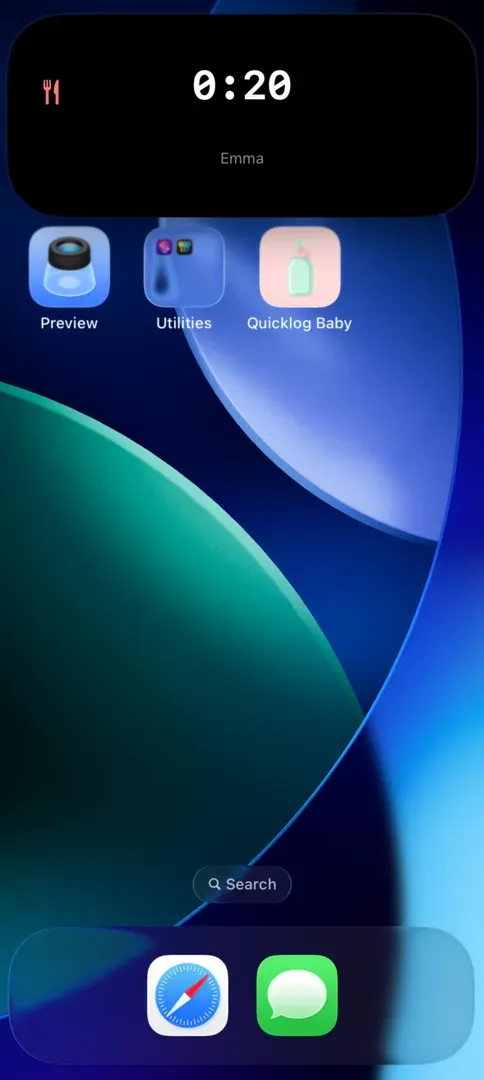
iPhone Lock Screen with a Quicklog Baby Live Activity for a running feeding timer

Timers & Live Activities

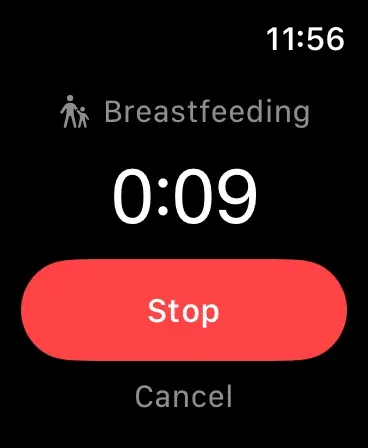
Running feeding and sleep sessions stay visible even when Quicklog Baby is not open. Live Activities show the timer on your Lock Screen, and on supported iPhones Dynamic Island keeps the running time visible at the top.

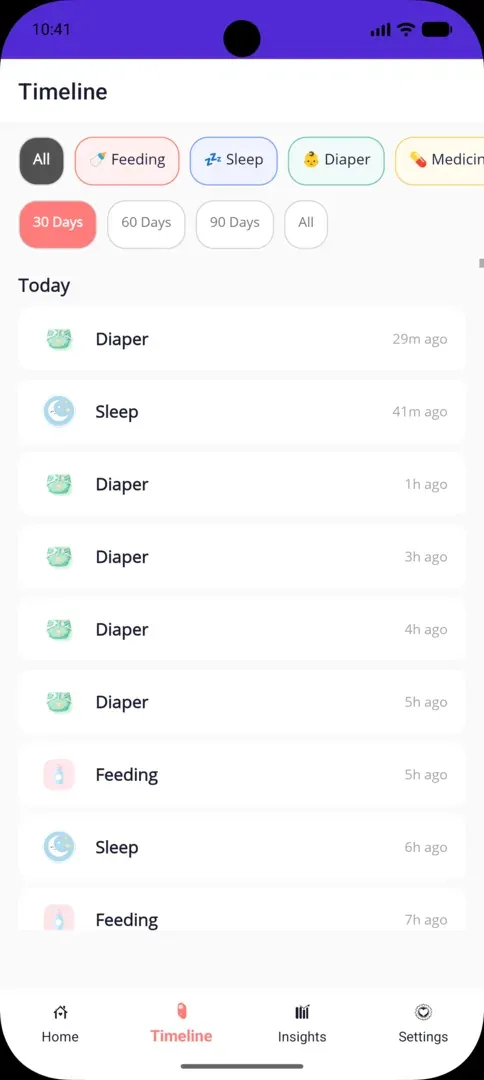
Timeline view with chronological entries

Timeline

All entries are grouped by day. You can see at a glance when the last feeding, sleep, or diaper change happened. Unlimited history: entries stay saved as long as you use the app. Filters hide individual activity types.

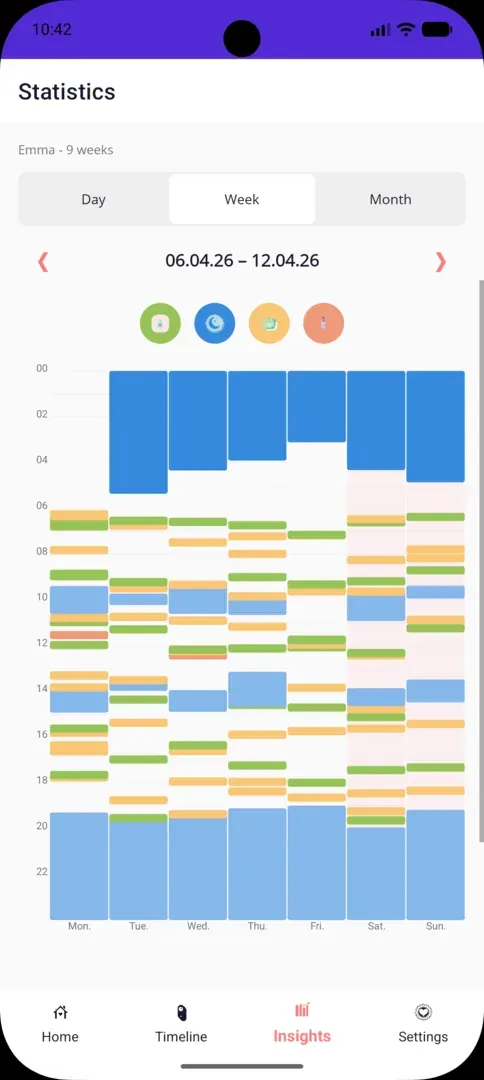
Statistics weekly view with a 24-hour timeline and colored bars for seven days side by side

Statistics

Three zoom levels: Day shows the last 24 hours on a timeline. Week places seven days side by side. Month gives you a calendar heatmap covering 28 to 31 days. Arrow buttons navigate between timeframes; color coding separates sleep, feeding, diaper, and medication; the 24-hour Y-axis (00:00 to 22:00) tells you not only how much your baby slept, but when. Essential for recognizing night-sleep patterns.

Privacy & Technology

All entries are locally on your device. No server, no cloud, no external transfer. No account, no email, no password. CSV export anytime. Fully offline-capable, no internet required, ever.

Platforms

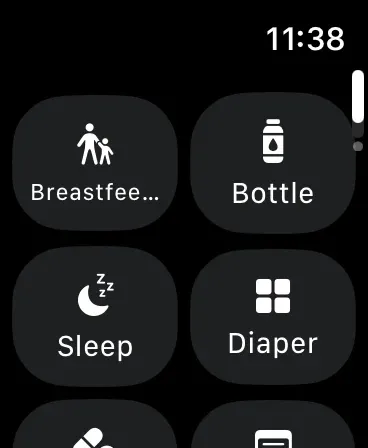
Native support for iPhone and iPad (App Store), Android phones and tablets (Google Play), plus an Apple Watch app for fast logging from your wrist.

Multiple children

Switch between children and keep each profile separate. Name, birthday and entries stay organized per child.

Languages & Price

The app interface is available in German and English and follows your device's system language. Quicklog Baby is completely free, no ads, no in-app purchases, no subscription. Core features will remain free permanently.

Visible on iPhone and Watch.

The new screens put timers and quick actions where parents need them in real life.